Journal
Internet in China: eSIM, local SIM or pocket wifi
eSIM, local SIM or pocket wifi. What actually works in 2026, what it costs, and what has to be sorted out before you fly.
October 18, 2026 · ChinaTravel.pt Team · internet · technology · tips
The best way to have internet in China in 2026 is a data eSIM bought before the flight, then activated on arrival. It costs between 15 and 40 euros for 10 to 30 days, installs in five minutes and brings one decisive advantage: because it routes traffic outside the Chinese network, it keeps Google, Gmail, WhatsApp and Instagram working — which a local SIM cannot do.
This is not a technical detail. It is the difference between being able to open a hotel booking in Gmail and not being able to.
The four options, and who each one suits
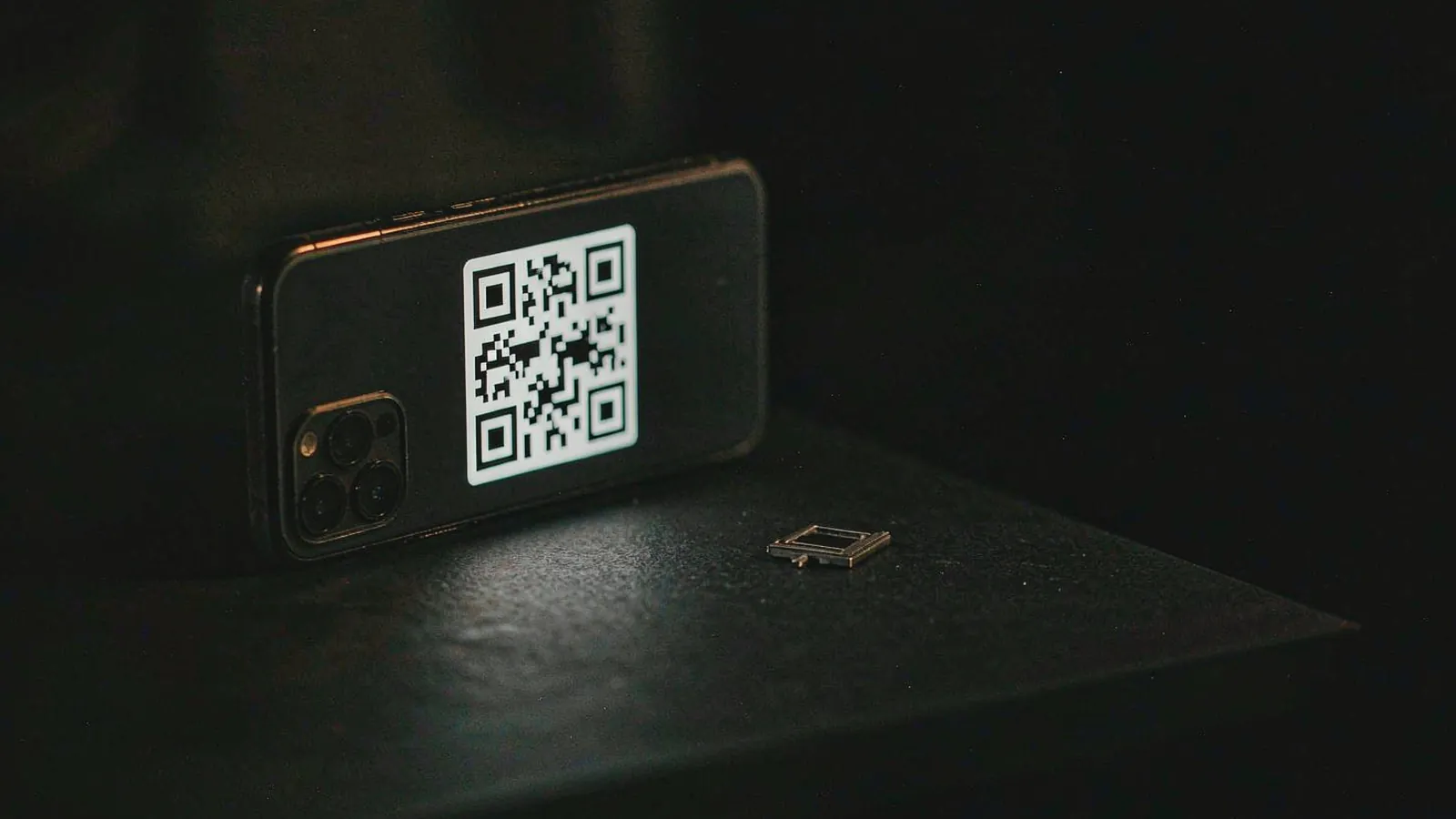
1. Data eSIM (our recommendation). You buy it online before the trip, receive a QR code by email, install it and activate it on arrival. It works on recent phones — iPhone XS or newer, and most mid-to-high-range Androids. It does not give you a phone number, but that rarely matters.
The data is routed through operators in Hong Kong or other countries, which gets round the block. Google Maps, Gmail, WhatsApp, Instagram: everything works as it does at home.
Typical cost: 15 to 25 euros for 10 days with 3 to 5 GB, 30 to 40 euros for 30 days with 10 GB. It is worth buying a little above what you think you need, because Maps in China consumes more than people imagine.
2. Local SIM (China Mobile, China Unicom, China Telecom). This is the Chinese solution. It costs 50 to 150 yuan for monthly packages with tens of gigabytes — an unbeatable price — but it has hidden costs.
The first is registering in person: you have to present your passport in an operator’s shop. You cannot buy one at an airport kiosk without a passport and without time. The airport kiosks do sell them, but they charge double.
The second is the block: once connected to a Chinese network, the phone loses access to every Google service. For anyone travelling with maps, email and WhatsApp, that is a large loss.
The third is the number: having a Chinese number is useful for booking restaurants, receiving deliveries at the hotel and using apps that require a local account. Anyone staying more than three weeks, or working remotely with Chinese clients, gains from it.
3. Pocket wifi (MiFi). You rent or buy it, it gives internet to several devices and it has its own battery. For two people with two phones and a laptop, it avoids buying two eSIMs.
Against: it is one more device to charge every night, it is easy to lose, and the signal depends on the local network the device uses — if that network is Chinese, the block comes back. We recommend it mainly to families and to groups travelling with several devices.
4. Roaming on your home operator. It always works and requires nothing of you. It is also the most expensive option: with Portuguese plans treating China as a destination outside the EU, the cost per megabyte can make the bill unbearable within a few days.
As a backup plan — “if nothing else works, I use my own number” — it makes sense. As the main plan, it does not.

What to sort out before the flight
There are four things that have to be done at home, because on the ground there is always one of them that stops being possible:
Install the eSIM and test it. Activate it before you leave, check that it browses, then switch it off. Doing this in the immigration queue with accumulated tiredness is a guarantee of an hour lost.
Install WeChat and Alipay. They are not optional: they are how you pay, how you book and how you speak to the hotel. The verification process can take a while and, depending on the operator, involves an SMS that only arrives properly if roaming is active at that moment.
Install Amap (高德地图). Google Maps in China has outdated streets and transport data and, in many cities, incomplete public transport information. Amap is what Chinese people use: times to the minute, walking routes Maps does not suggest, and the correct name of each place to show a taxi driver.
In cities like Shanghai, where you change neighbourhood several times a day, the offline map saves more battery than any trick. Keep everything on paper as well: hotel addresses in characters, the guide’s contact and printed booking confirmations. A phone with a dead battery is a useless phone, and the battery always dies at the wrong moment.
How much data you will actually use
The question that decides the package is “how many GB am I going to need?”, and the answer is almost always more than people buy.
- Maps (Amap or Google Maps) with navigation: 150 to 250 MB per day.
- WeChat, with messages, photographs and video calls: 100 to 200 MB per day.
- Email, social media and lookups: 100 to 200 MB per day.
- Sharing the connection with a laptop: another 300 MB per hour.
Added up, that comes to around 400 to 700 MB per day in normal use, which over ten days gives five to seven GB. Buy 10 GB for breathing space, and 15 to 20 GB if you are going for three weeks or plan to share the connection.
One note that saves data: watch video in the room on the hotel wifi, not on mobile data. It is the heaviest use of all and the only one that does not need the eSIM.
What is not worth it
Three ideas that look good and are not:
Relying on hotel wifi. It exists and it is free, but it is patchy in the rooms and often slow. It is not a plan.
Buying at the airport on arrival. The kiosks do sell, they charge two to three times more, and they sit after passport control, when you are already in a hurry.
Thinking “I’ll sort that out when I’m there”. In China, internet is not an extra: it is the train ticket, the taxi, paying for dinner and the key to the hotel room. Getting this one piece wrong conditions everything else.
The same advice, put another way
Anyone travelling with us receives, before departure, a short list of what to install and a WhatsApp contact that works for the whole trip. It is not a technology service: it is simply the observation that a trip to China runs much better when you arrive with the basics sorted.
If you want to go deeper, the details operator by operator are in our internet guide, and the part that naturally follows this one — how to pay by phone once you are there — is in payments.
In short
For ten days: one 10 GB eSIM for 20 to 30 euros sorts life out for one person. For two, two eSIMs or one MiFi. For anyone staying a month or needing a local number, a China Telecom SIM at 100 yuan, installed in a second phone, works as a complement.
And always keep a backup: leave your home SIM in the phone with roaming switched off, and turn it on only if everything else fails. China works very well when you arrive prepared, and reasonably badly when you do not.
Frequently asked questions
What is the best way to have internet in China?
For most people, a data eSIM bought before the flight: it installs in five minutes, requires nothing to be opened on the phone, and because it routes traffic outside the Chinese network it keeps Google, WhatsApp and Instagram working. It costs between 15 and 40 euros for 10 to 30 days.
Is it worth buying a local China Mobile SIM?
Only if you need a Chinese phone number for bookings and deliveries, or if you are staying more than three weeks. It costs 50 to 150 yuan for 30-day packages, but it requires registering in person with your passport, and it leaves the blocked services blocked, because the traffic goes through the Chinese network.
Does roaming on my home plan work in China?
It works, but it is the most expensive option: Portuguese plans treat China as a destination outside the EU, at rates that run to several euros per megabyte. For a week of heavy use, the bill can pass 200 euros. As a backup it is acceptable; as the main solution, it is not.
Do western apps stop working on a Chinese SIM?
Yes. Google, Gmail, WhatsApp, Instagram, Facebook and YouTube are blocked on Chinese mobile networks. The only way to use them is a connection that routes traffic outside the country, which a data eSIM does automatically. WeChat, Alipay and the local apps always work.
Keep reading
Talk to the people who run it
Want to know how this applies to your trip?
Message us on WhatsApp. We reply in English within one business hour (UTC+8).
Chat on WhatsAppReplies in English · no obligation